
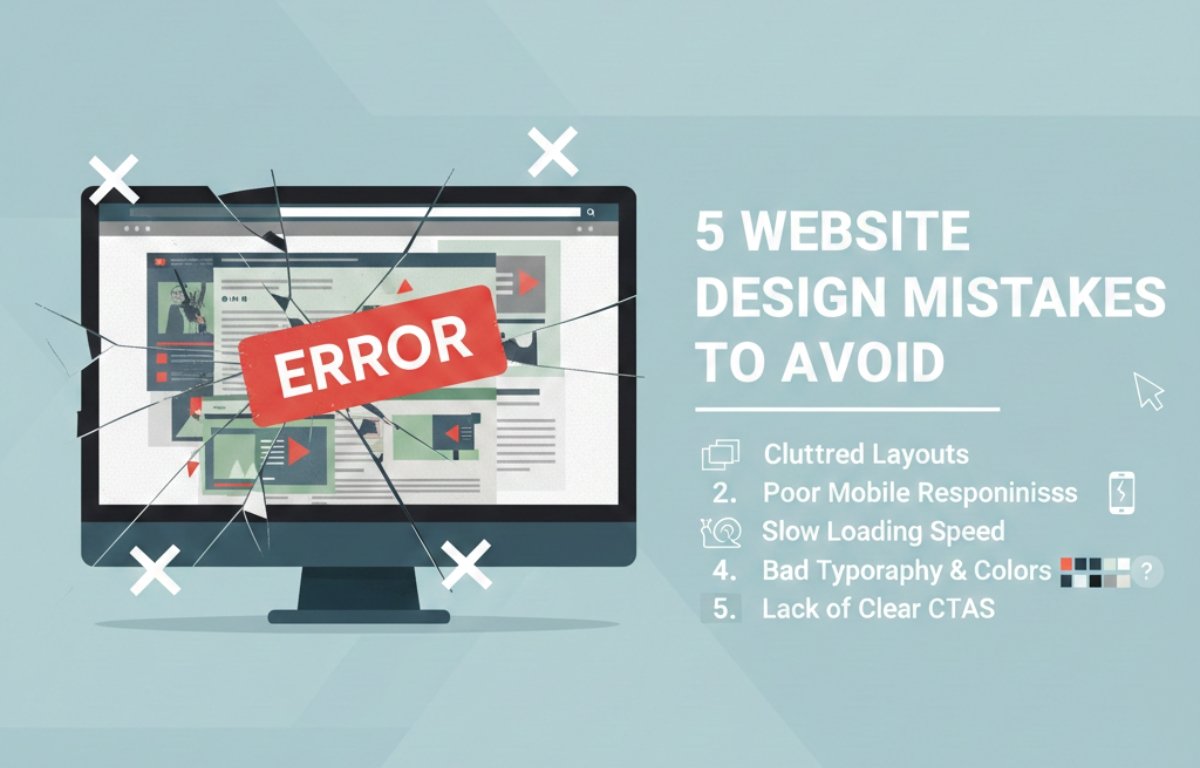
∙ Understand the most damaging website design mistakes businesses make ∙ Learn how poor design choices affect user experience and trust
∙ Improve engagement, usability, and conversion rates
∙ Reduce bounce rates caused by design-related issues
∙ Build a professional, user-focused, and high-performing website
Ignoring Mobile-Friendly Website Design
One of the most critical website design mistakes is ignoring mobile optimization. Today, most users browse websites using smartphones and tablets, and their expectations for mobile experiences are high. When a website is not designed to adapt to smaller screens, users face problems such as unreadable text, broken layouts, and buttons that are difficult to tap.
A poor mobile experience creates frustration almost instantly. Users may need to zoom, scroll excessively, or struggle to navigate menus, which increases bounce rates. Search engines also prioritize mobile-friendly websites, meaning this mistake can negatively impact both traffic and visibility. Responsive design ensures that layouts, images, and content automatically adjust to different screen sizes. By prioritizing mobile usability, websites deliver smoother experiences, retain visitors longer, and perform better across all devices.
Overloading Pages With Too Much Content and Visual Clutter
Another common website design mistake is overcrowding pages with excessive content, images, animations, banners, and pop-ups. While the intention may be to provide more information, too much visual and textual content overwhelms users and makes it harder to focus.
Visual clutter increases cognitive load, forcing users to process too many elements at once. This often leads to confusion, fatigue, and quick exits. Clean and minimal design helps guide users naturally through content without distraction. Strategic use of white space, clear section breaks, and focused messaging improves readability and comprehension. When pages are well-organized and visually balanced, users feel more comfortable and are more likely to engage and explore further.
Poor Navigation and Confusing Website Structure
Navigation is the backbone of user experience, yet it is frequently overlooked. Poor navigation makes it difficult for users to find information, which can quickly lead to frustration and abandonment.
Common navigation issues include unclear menu labels, too many menu options, hidden navigation elements, and inconsistent layouts across pages. Users rely on familiar navigation patterns, and when those patterns are disrupted, trust decreases. Clear menus, logical hierarchy, and intuitive page flow help users move effortlessly through a website. Well-
structured navigation not only improves usability but also increases time spent on the site and supports better conversion outcomes.
Slow Page Load Speed and Performance Issues
Slow-loading websites are one of the fastest ways to lose visitors. Modern users expect websites to load within seconds, and even slight delays can significantly increase bounce rates.
Performance issues often stem from large image files, excessive scripts, heavy animations, and poor hosting environments. Slow websites frustrate users and signal poor quality, reducing trust. Search engines also consider page speed a ranking factor, meaning slow performance can reduce organic traffic. Optimizing images, minimizing code, reducing unnecessary plugins, and using reliable hosting solutions improve load times. Faster websites provide smoother experiences, encourage exploration, and increase the likelihood of conversions.
Weak Visual Hierarchy and Unclear Calls to Action
A website without a clear visual hierarchy leaves users unsure about where to look and what to do next. When important elements blend into the background, users may miss key messages or actions entirely.
Visual hierarchy uses size, color, contrast, spacing, and positioning to guide attention. Headlines should stand out, important content should be easy to scan, and calls to action should be immediately visible. Unclear or poorly placed calls to action reduce engagement and conversions. When users are guided naturally through a page with a clear flow, they are more confident and more likely to take desired actions such as signing up, contacting, or purchasing.
Inconsistent Branding and Design Elements
Inconsistent branding is a subtle but damaging website design mistake. When colors, fonts, button styles, and layouts change from page to page, the website feels unprofessional and unreliable.
Consistency creates familiarity and reinforces brand identity. A unified color palette, consistent typography, and standardized design elements help users recognize and trust a brand. Inconsistent design forces users to relearn how to interact with each page, increasing friction. A cohesive design system improves usability, strengthens brand recognition, and creates a polished and credible online presence.
Poor Readability and Typography Choices
Typography plays a major role in how users consume content. Poor font choices, small text sizes, low contrast, and long unbroken paragraphs make reading difficult and tiring.
When content is hard to read, users are more likely to abandon the page regardless of how valuable the information may be. Readable typography reduces eye strain and improves comprehension. Using clear fonts, proper spacing, and balanced line lengths enhances accessibility and scannability. Breaking content into short paragraphs with headings allows users to quickly find relevant information and stay engaged longer.
Neglecting Accessibility and Inclusive Design
Accessibility is often overlooked in website design, yet it is essential for reaching a wider audience. Websites that are not accessible exclude users with disabilities and create barriers to interaction.
Common accessibility mistakes include poor color contrast, missing alt text for images, lack of keyboard navigation, and unclear form labels. Inclusive design ensures that users of all abilities can navigate and interact comfortably. Accessible websites improve usability for everyone, not just users with disabilities. Designing with accessibility in mind demonstrates professionalism, empathy, and long-term responsibility.
Overusing Pop-Ups and Intrusive Elements
Pop-ups can be effective tools when used thoughtfully, but excessive or poorly timed pop-ups harm user experience. Intrusive elements interrupt browsing, distract from content, and often cause frustration.
Aggressive pop-ups can make a website feel spammy and untrustworthy. Instead, pop-ups should be relevant, minimal, and triggered at appropriate moments. Respecting user attention improves engagement and trust. Subtle interactions are more effective than disruptive tactics and lead to better long-term results.
Failing to Test and Optimize Website Design
One of the most overlooked website design mistakes is failing to test and optimize regularly. User behavior, technology, and expectations change over time, and static design decisions quickly become outdated.
Without testing, it is impossible to know what works and what does not. Tools such as analytics, heatmaps, and user feedback reveal how visitors interact with a website. Continuous testing and refinement help identify usability issues and improvement opportunities. Ongoing optimization ensures the website evolves with user needs and maintains strong performance.
Conclusion
Avoiding common website design mistakes is essential for creating user-friendly, trustworthy, and effective websites. By focusing on mobile responsiveness, clean layouts, intuitive navigation, fast performance, strong visual hierarchy, consistent branding, and accessibility, websites deliver better experiences and achieve stronger results. Thoughtful design choices reduce bounce rates, increase engagement, and support long-term success.
When website design prioritizes users and usability, it becomes a powerful tool for growth and credibility.